
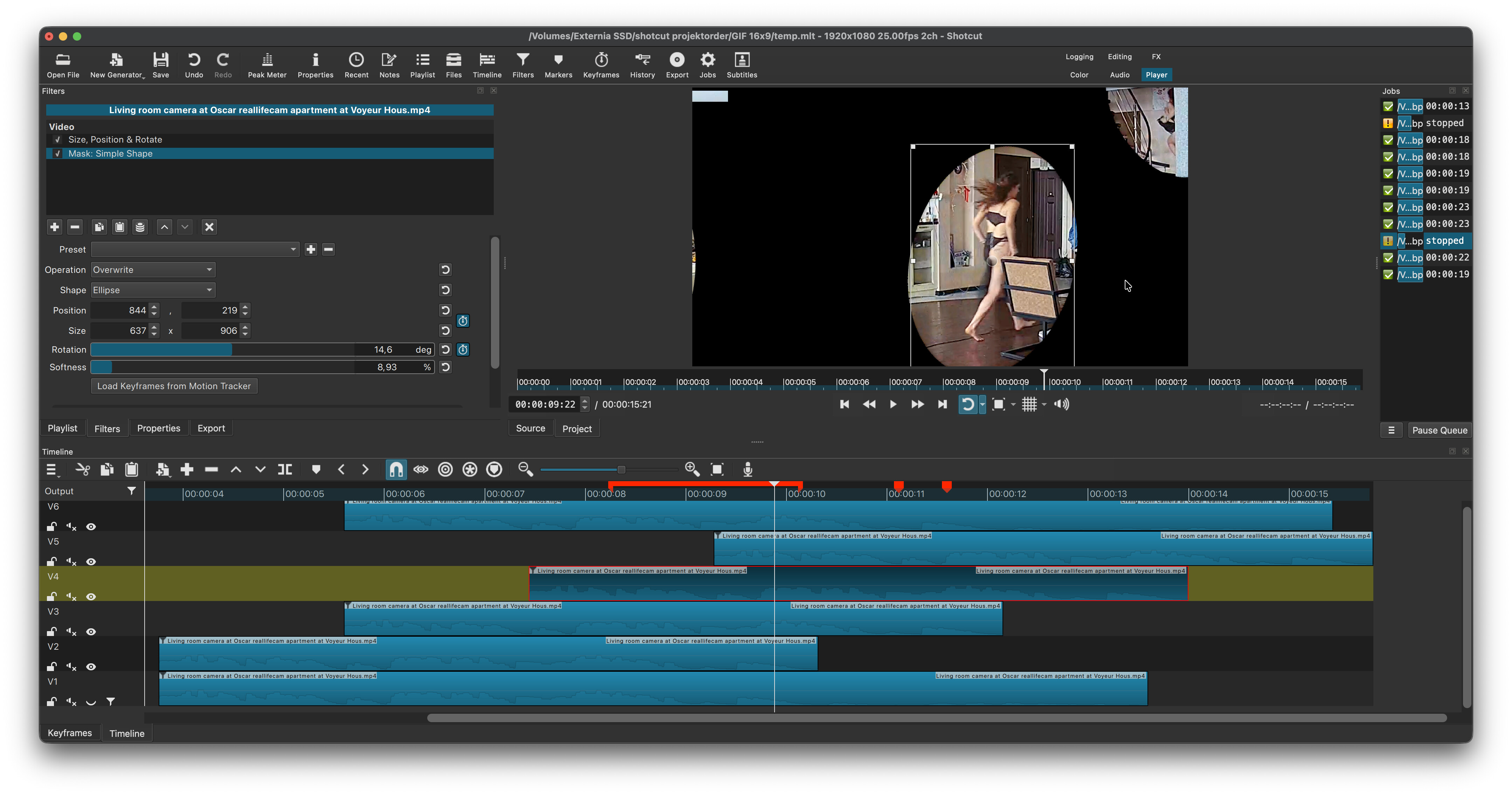
Video track V1 is the background plate which I have deactivated here for educational purposes.
On top of that is a clip in which I have isolated Jolanda in a simple mask filter with softened edges, trying to get the edges as close as possible to the edges of her head and feet, where later overlap may occur when the bubbles collide on the stairs.
Then I put a second copy of the clip on top and try out by what gap I have to stagger them so that it will still work. I can then add more instances of the clip staggered by the same gap. The shorter I can make the gap, the closer the Jolandas will be following each other, the more jolandas will be in the final clip and the cooler it will look.
I’m actually pushing it a bit here, introducing an imperfection where her right foot disappears for a moment, but it’s pretty much imperceptible.
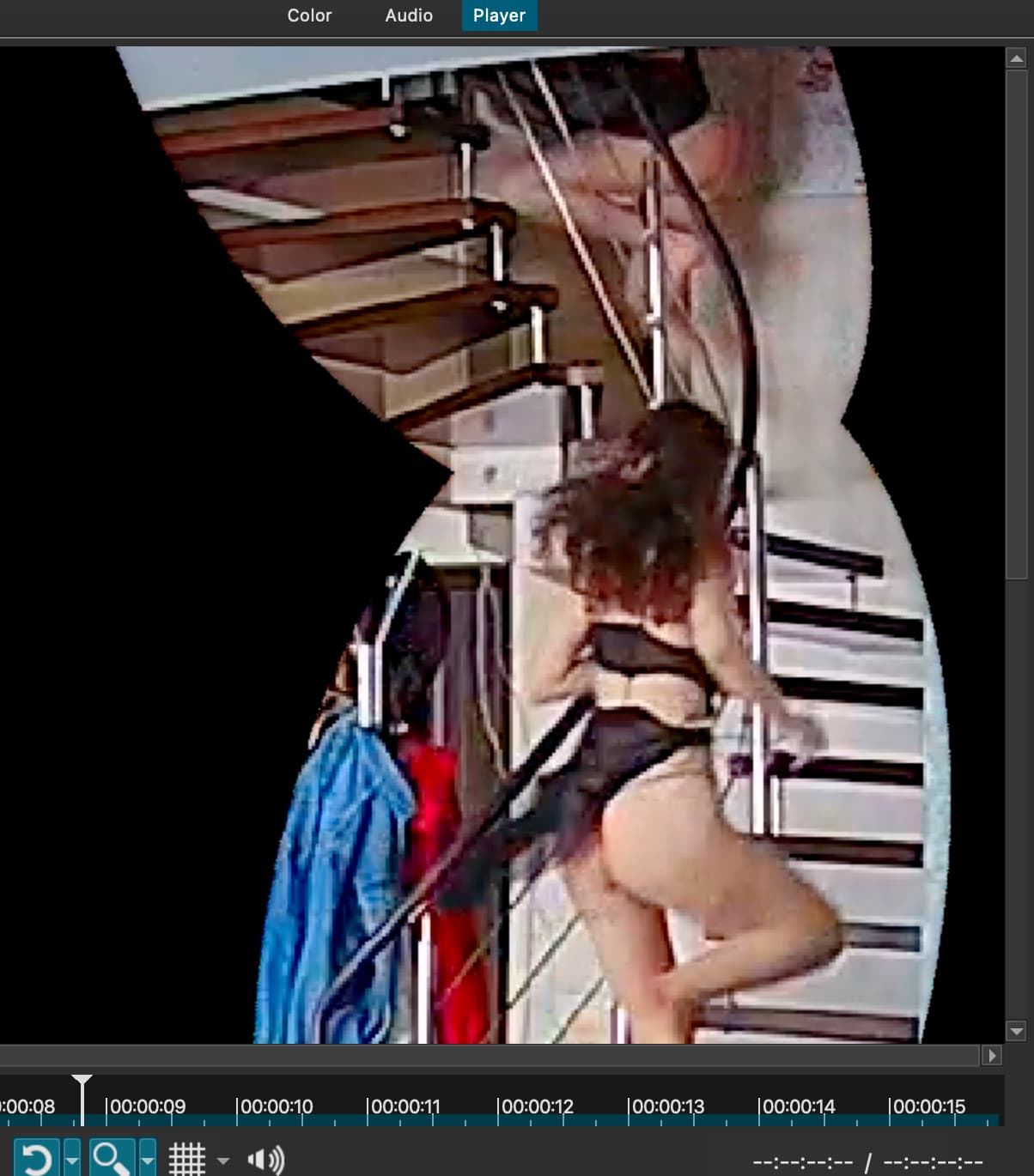
I could create a hand-drawn mask and put it really close around her outlines on a frame by frame basis, to make the gap shorter and squeeze more Jolandas in there, but that would be a lot of work.
The top video layer is just the little rectangle in the top left corner, to replace a part of the time stamp with a slightly shifted part of the ceiling.
Finally, the stretched red marker in the timeline marks the only part of the timeline that I’ll export as the finished webp loop. Note that the length of the marker is the length of the gap by which the Jolanda tracks are staggered.